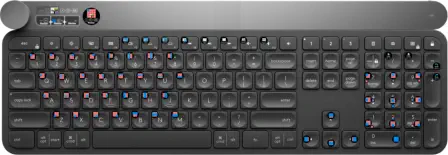
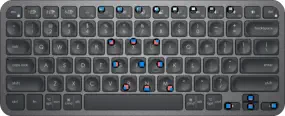
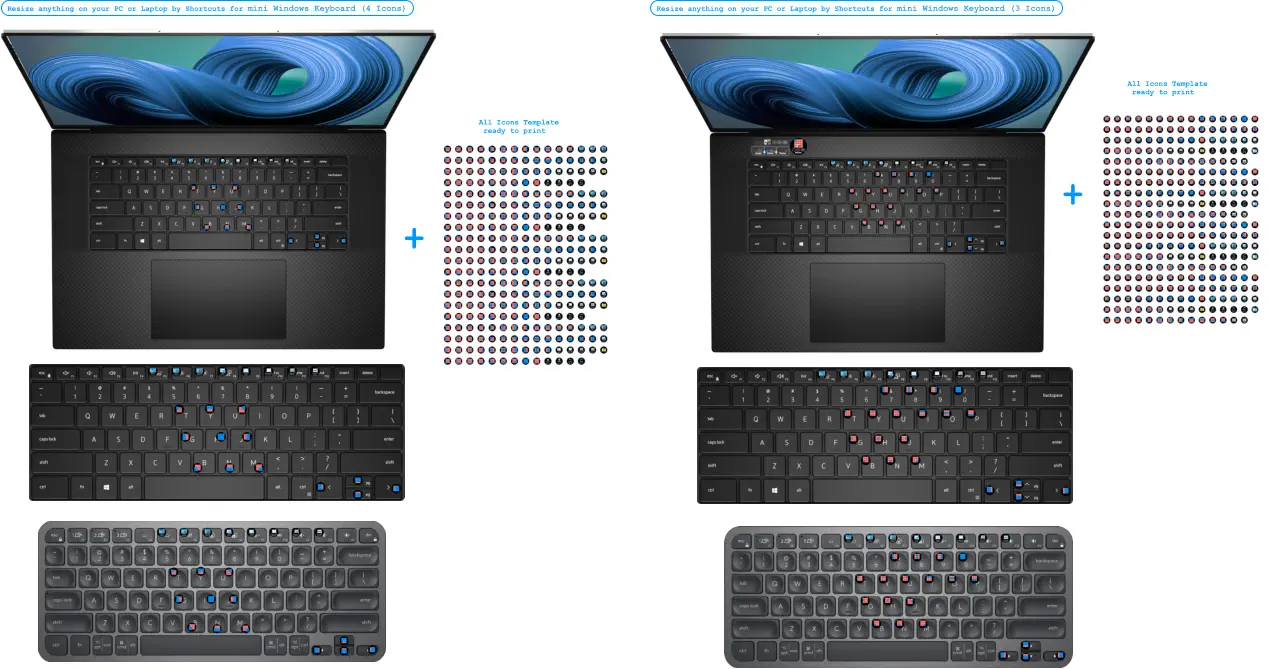
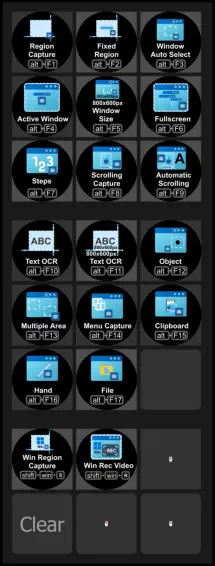
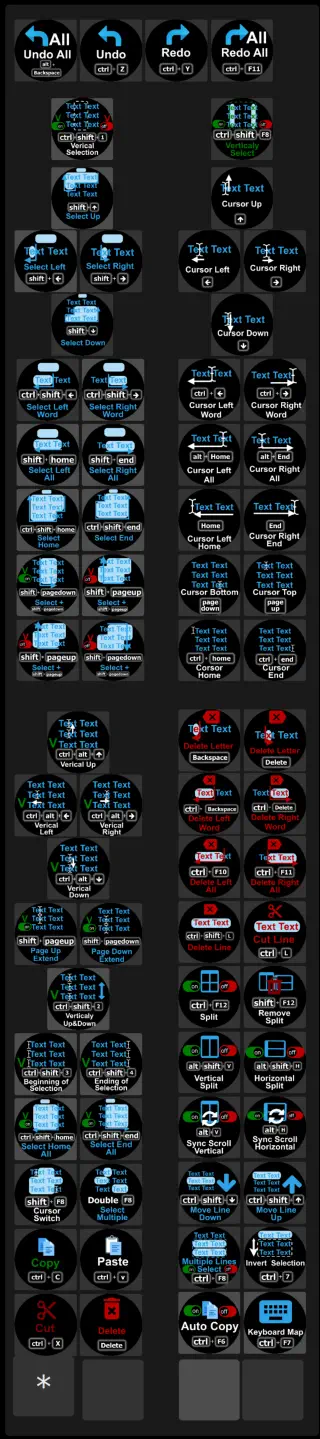
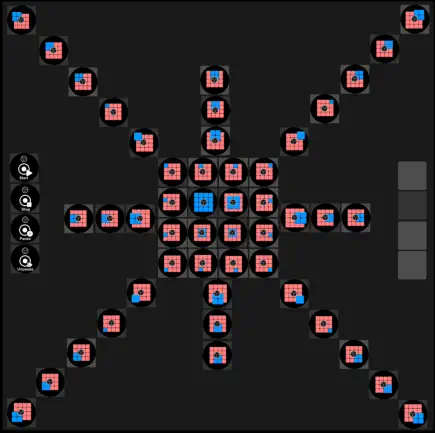
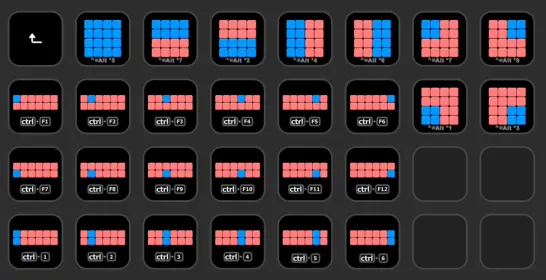
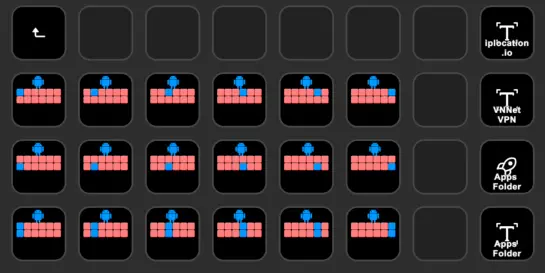
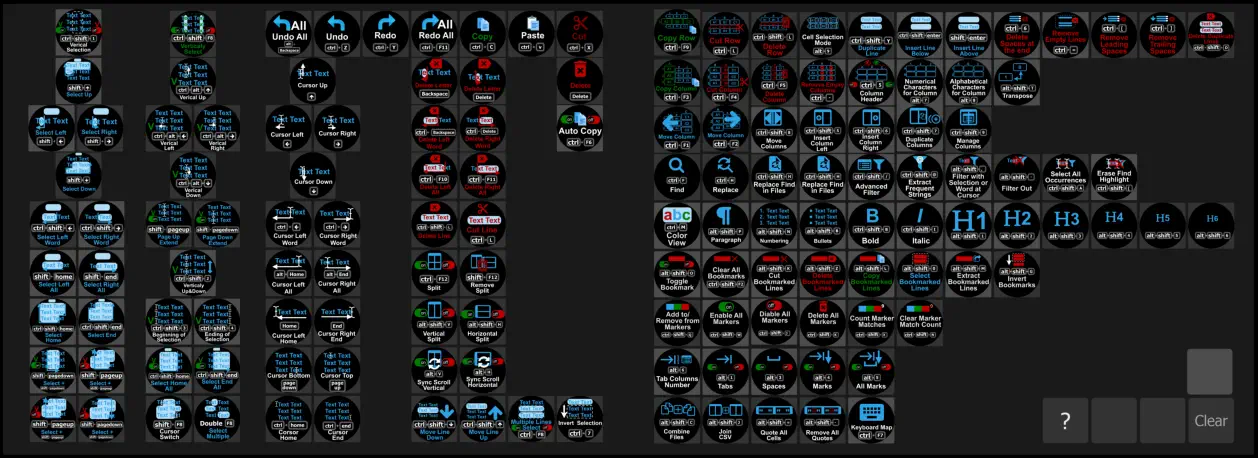
Resize anything on your PC by Shortcuts for Windows Mini Keyboard or Keyboard + Numpad (4 Icons or 3 Icons)
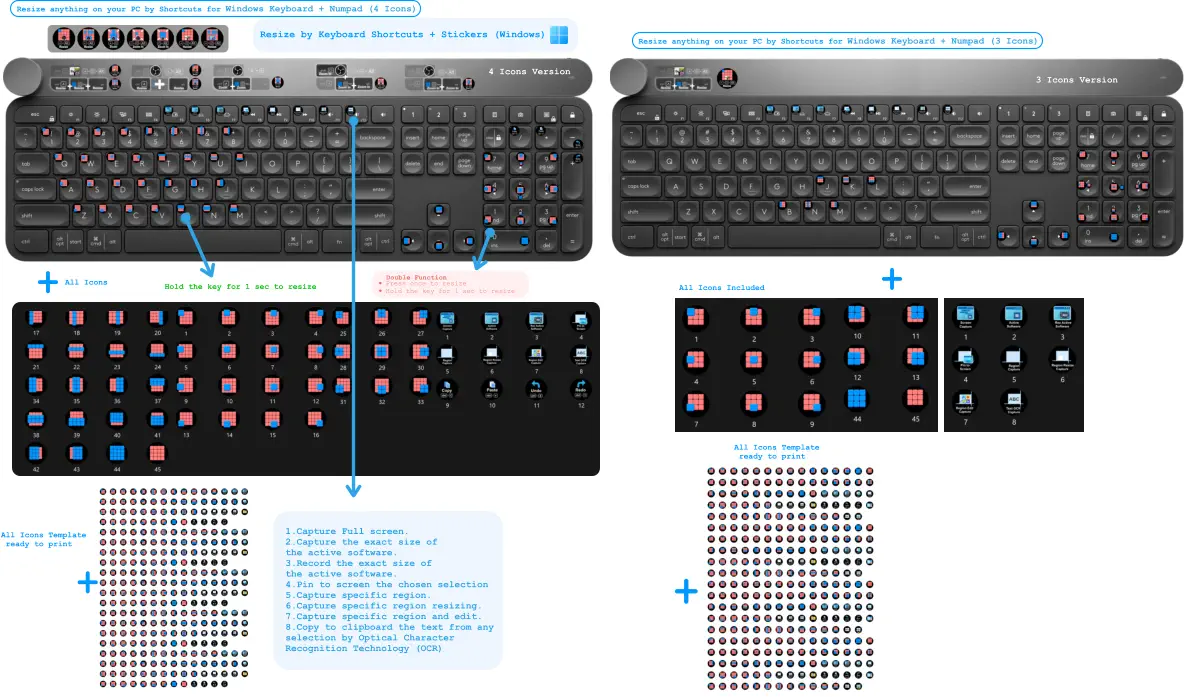
Resize by Keyboard Shortcuts + Stickers (Windows)
•	Press once to resize •	Hold the key for 1 sec to resize Double Function
Hold the key for 1 sec to resize
Screen Record Using OBS Move Scene Transition Plugin (Windows)
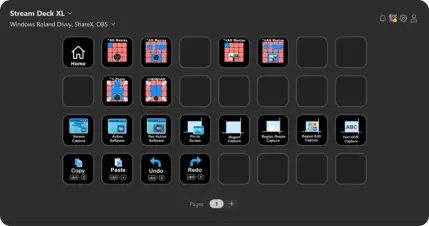
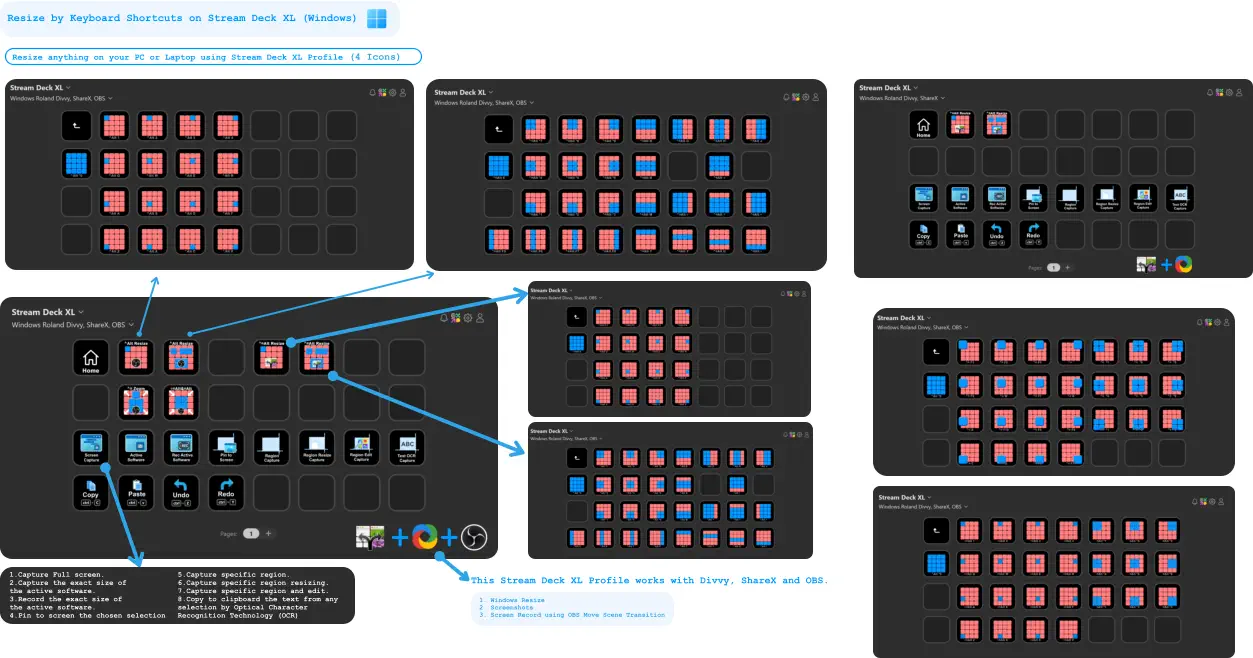
Resize by Keyboard Shortcuts on Stream Deck XL (Windows)
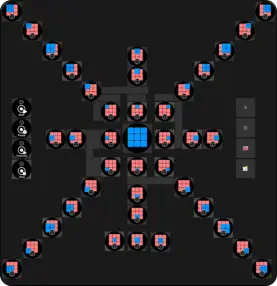
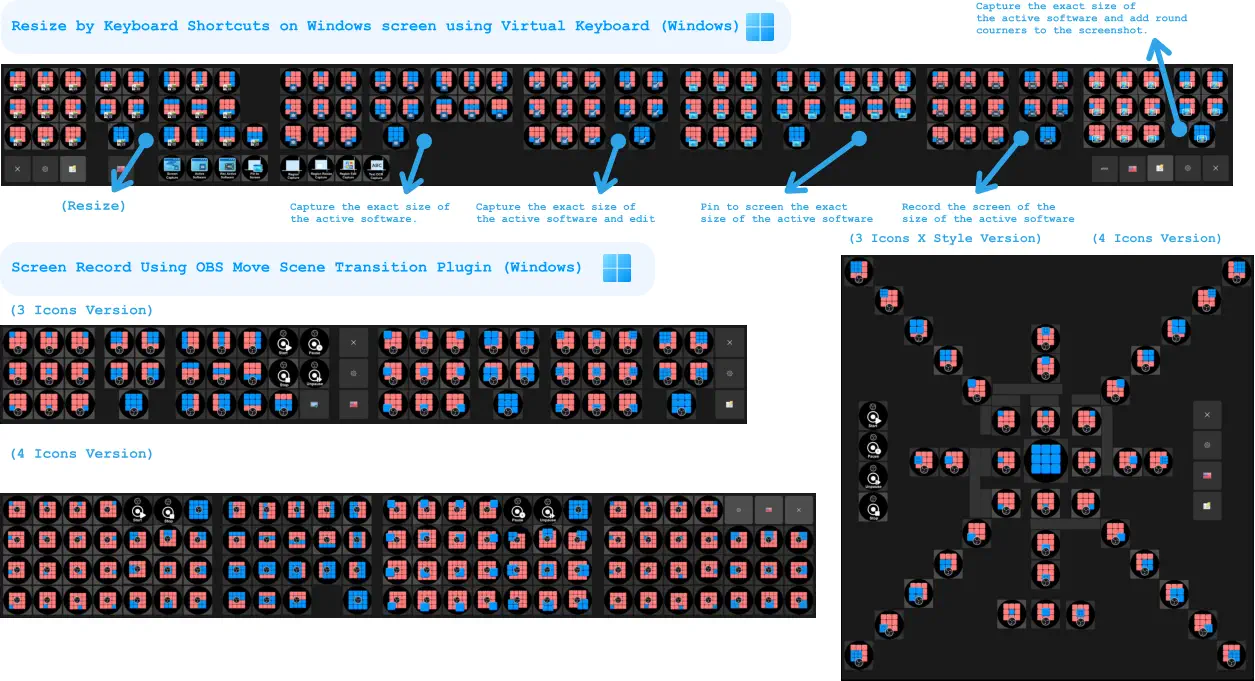
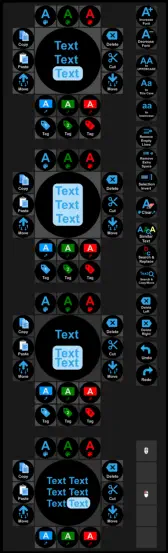
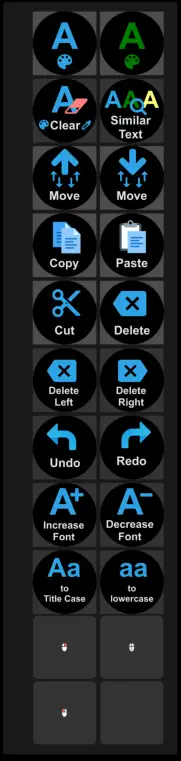
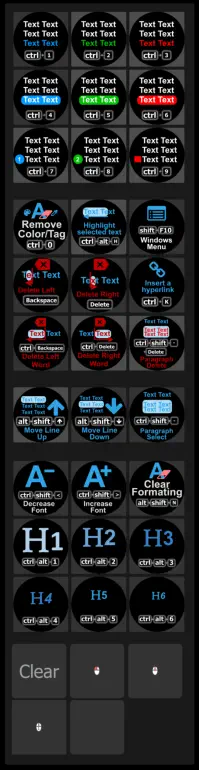
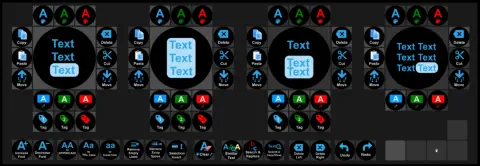
Resize by Keyboard Shortcuts on Windows screen using Virtual Keyboard (Windows) Screen Record Using OBS Move Scene Transition Plugin (Windows) (3 Icons Version) (Resize) Capture the exact size of the active software.   Capture the exact size of the active software and edit  Pin to screen the exact  size of the active software   Record the screen of the size of the active software   Capture the exact size of the active software and add round courners to the screenshot.   (4 Icons Version) (3 Icons X Style Version) (4 Icons Version) 1.Capture Full screen. 2.Capture the exact size of the active software.  3.Record the exact size of the active software. 4.Pin to screen the chosen selection    5.Capture specific region.  6.Capture specific region resizing. 7.Capture specific region and edit.  8.Copy to clipboard the text from any selection by Optical Character  Recognition Technology (OCR)     Resize by Keyboard Shortcuts on Stream Deck XL (Windows) Resize anything on your PC or Laptop using Stream Deck XL Profile (4 Icons) + + This Stream Deck XL Profile works with Divvy, ShareX and OBS.  	1.	Windows Resize 	2.	Screenshots 	3.	Screen Record using OBS Move Scene Transition     + 4 Icons Version All Icons Included All Icons Template  ready to print Resize anything on your PC by Shortcuts for Windows Keyboard + Numpad (4 Icons) All Icons Template  ready to print + + + + Resize by Keyboard Shortcuts + Stickers (Windows) •	Press once to resize •	Hold the key for 1 sec to resize Double Function Hold the key for 1 sec to resize All Icons 3 Icons Version 1.Capture Full screen. 2.Capture the exact size of the active software.  3.Record the exact size of the active software. 4.Pin to screen the chosen selection 5.Capture specific region.  6.Capture specific region resizing. 7.Capture specific region and edit.  8.Copy to clipboard the text from any selection by Optical Character  Recognition Technology (OCR)     Resize anything on your PC by Shortcuts for Windows Keyboard + Numpad (3 Icons) + All Icons Template  ready to print + All Icons Template  ready to print Resize anything on your PC or Laptop by Shortcuts for mini Windows Keyboard (3 Icons) Resize anything on your PC or Laptop by Shortcuts for mini Windows Keyboard (4 Icons) Roland Tricks
Shortcuts on Screen Shortcuts on Screen
Website Website
Home Home
Android Android
Designs Designs
Network Tools Network Tools
About Contact
Marketing Marketing
Telegram channel: https://t.me/rolandtricksshortcuts
https://www.youtube.com/playlist?list=PLd0UdPGMP4_NG-FtEGmobg0pj639Zr4Q5